
Searching for a Warrant in Real County
Real County posts no public warrant list. A warrant check here starts with the paper in hand: the citation, notice, or case number tells you which court to call. District matters belong to the 38th Judicial District Court and its combined clerk; traffic matters go to the JP named on the ticket. The Texas court description of iDocket gives case context, and JP nCourt pages search citation or case numbers and take payment. A Public Information Act request can reach existing county records, though exceptions apply. For a serious case, talk to a Texas attorney before you appear.
- Read the court, cause or citation number, and date from your own paperwork.
- Search iDocket for case context using state, county, and the litigant's first and last name.
- Use a JP payment portal only when its court label and number match your citation.
- Call the issuing court or clerk about current warrant, recall, and appearance status.
- If a public document is needed, ask the county records route for an existing record and its access limits.
Real County Case Tools Have Different Jobs
Real County's public tools each take different inputs and answer different questions. Texas offers no single official statewide warrant database.
| Channel | Search basis | Use it for | It does not prove |
|---|---|---|---|
| iDocket | County and litigant first and last name | Public case context | That a warrant is active or recalled |
| nCourt JP | Citation/ticket or case/cause number | Number-based citation search and payment | That a payment recalled a warrant |
| Sheriff page | No public search fields shown | Non-emergency office routing | That no warrant exists |
| DPS / OmniBase | Reported FTA/FTP matters | License-renewal hold questions | A full county or state warrant check |
The Texas court description of iDocket explains how the system works. For any Real County matter, confirm details with the court that holds the case.
Warrant Search Fields Explained
Fields depend on the tool. iDocket uses court and litigant fields. nCourt asks for a citation or case number. The Real County sheriff page has no warrant form, so do not count on a name or birth-date field there.
| Field | Tool | Format and limit |
|---|---|---|
| State and county | iDocket | Select Texas and Real County before a litigant search. |
| First and last name | iDocket | Partial names are allowed; fuller names narrow the matches. |
| Case number | iDocket help | Case-number and advanced-category searches are described as subscriber features. |
| Citation/ticket or case/cause number | nCourt | Choose one type, then enter a number; no name or DOB field is shown. |
iDocket's help page describes public and subscriber options. It is a case search.
Real County Name Searches Can Miss Courts
A partial name can return too many matches, and spelling differences or another court's filings can hide a case. Check the court, cause number, and date against your own paper. A name-only match proves little. OCA identifies iDocket as the clerk's case-management system, and its filing-status page tracks recent county and district filings from September 2026; it is not a warrant count, and enforcement details may stay private. The official 38th Judicial District Court page lays out the district-court route for Real County.
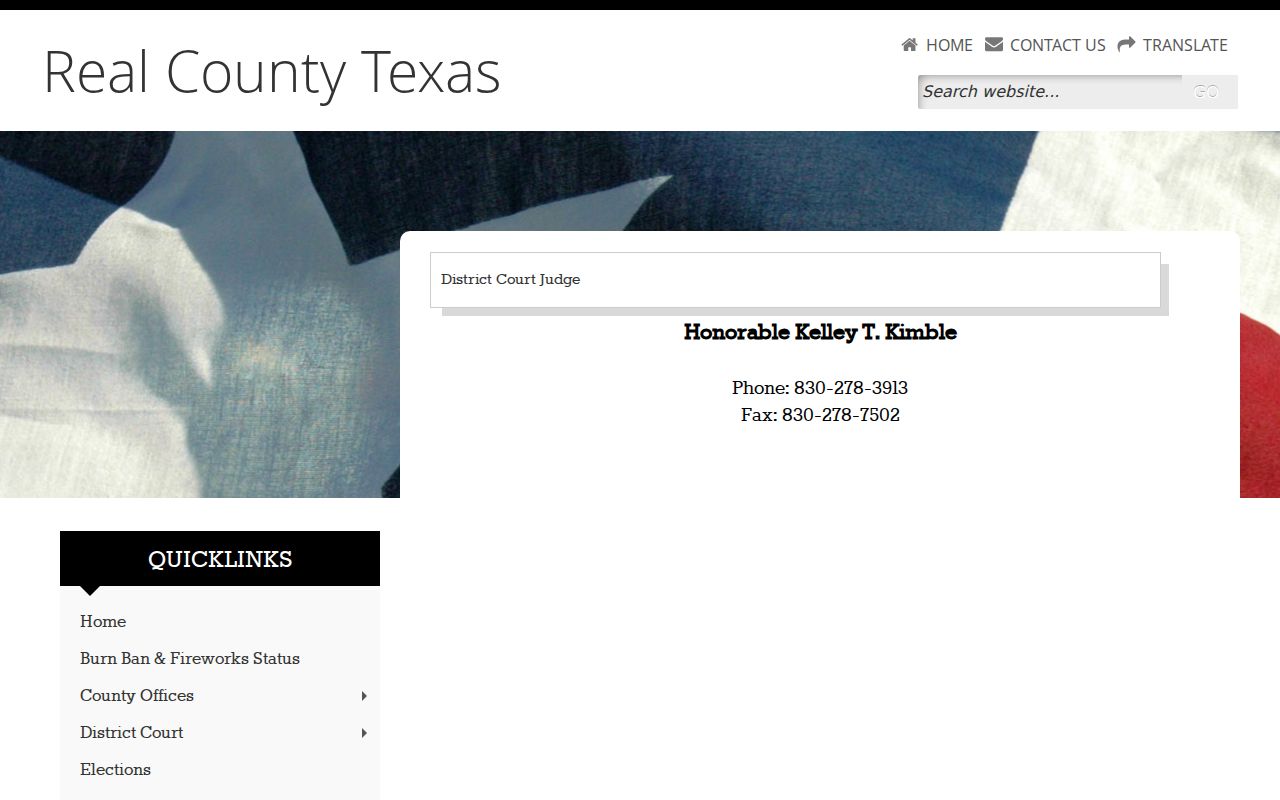
For a district case in Real County, contact the 38th Judicial District Court or its clerk. A case result alone is not a final warrant answer.
What a Warrant Search Shows
Real County has no live warrant result page. Ask the clerk which details are public and which office holds the record.
| Case or cause number | Connects a public case result to the number on a court paper. |
|---|---|
| Party name | May identify a litigant, but common names and partial searches can lead to false matches. |
| Issuing court | Points to the JP, municipal court, county-level court, or district court that controls the next step. |
| Warrant identifier | No Real County example format or public warrant-number field was located. |
| Bond and status | Ask the issuing court; the public online tools do not guarantee these fields. |
If a Real County record is unclear, ask the issuing court about recall, service, payment, or a new setting.
Real County PIA Requests Seek Existing Records
Real County answers public-information requests in writing, whether by mail, fax, or hand delivery. There is no dedicated warrant form. No public-records email appears either. Name the record, the date range, and the office holding it. Copies run ten cents per standard page. Labor costs fifteen dollars an hour, though requests of fifty or fewer paper pages carry no labor charge. Expect an estimate first, and respond within ten days or the request is withdrawn. When an estimate tops one hundred dollars, Real County may require a bond, deposit, or prepayment. Paying the fees still does not guarantee release of a court or law-enforcement record. The official combined County/District Clerk page supplies a public office contact.
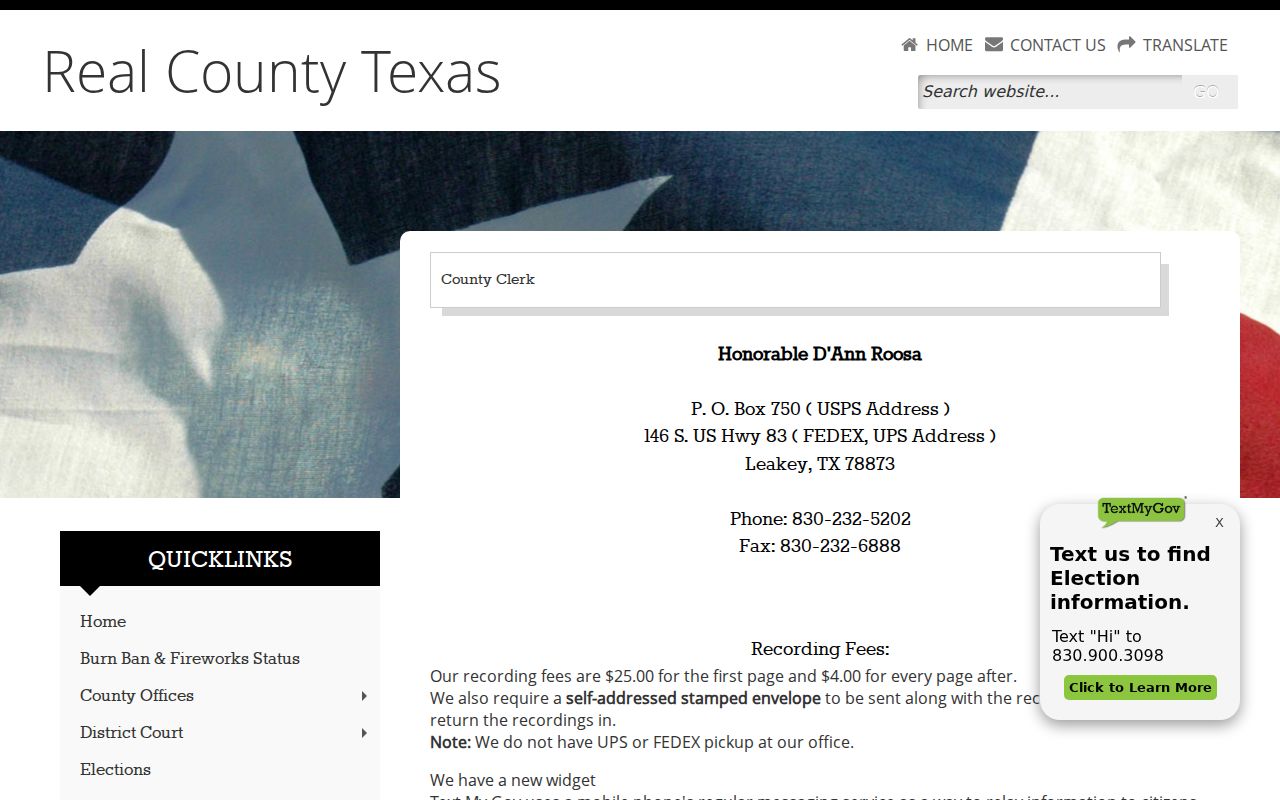
The combined office handles both county and district clerk duties, so give it the court and case number. Real County's Public Information page describes the request route, and the clerk page lists its records contact.
Where to Check Warrants in Real County
Start with the court named on the paper. District criminal records go through the 38th Judicial District Court and the combined County/District Clerk. Check the printed label on any JP citation. For a city case, ask City Hall for the city-court clerk. The Real County sheriff can steer callers to the right agency, but its site posts no public warrant form. The County Judge's office takes the county's PIA requests, and the state's FTA/FTP system answers a separate license-renewal question for participating courts.
Real County lists its accommodation contact on the official county accessibility page, which names the County Judge's Office. Call that office ahead of a visit if you need support.
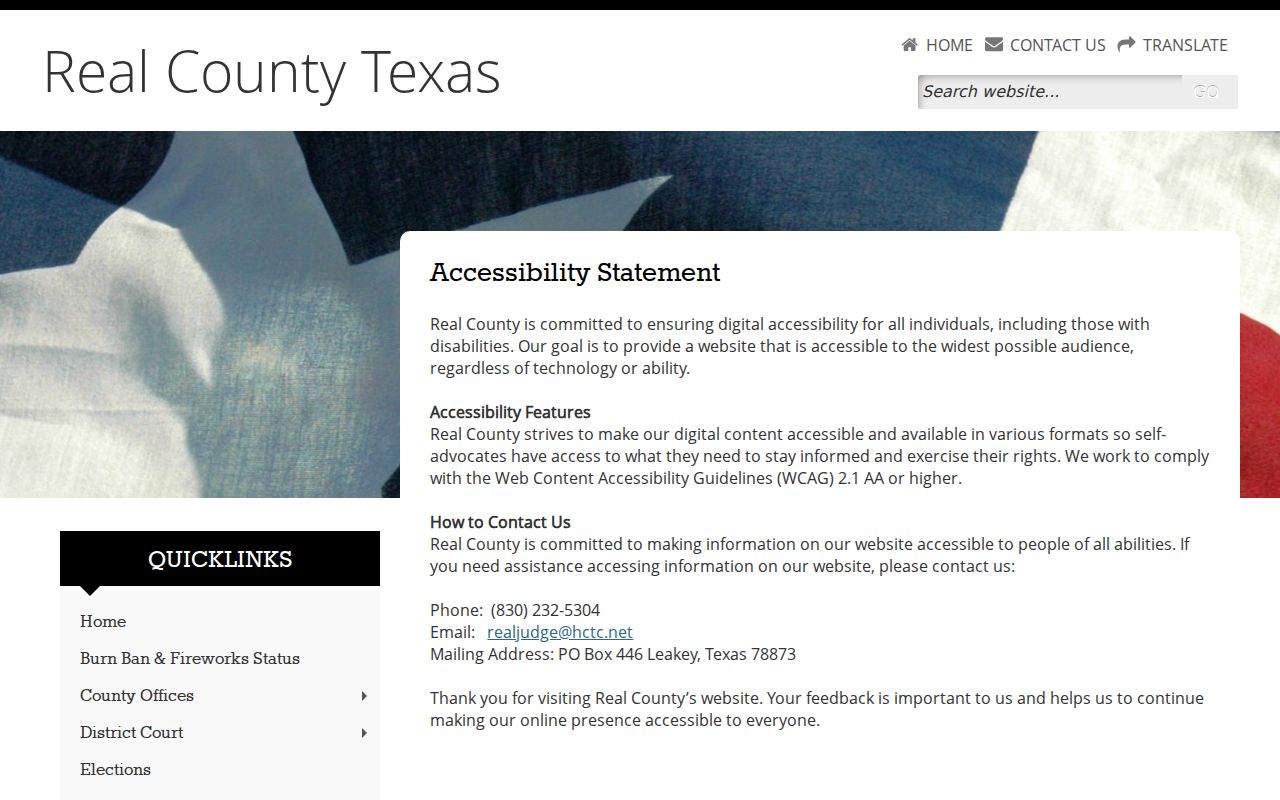
Accessibility help is a Real County service, but it does not create a warrant counter or a posted surrender schedule.
Real County Warrants Need Court Confirmation
A blank Real County search may mean a misspelled name, the wrong county, a restricted record, a system that has not updated, or a case held by another court. A hit can be stale too. iDocket does not guarantee a warrant field. And paying through nCourt does not prove a capias was recalled.
Check the source before acting: Use the court named on your paper, ask what record the tool covers, and request a current status from the issuing court. No online result by itself proves that a warrant is absent or cleared.
The official county directory lists each Real County office and its role. Contact details and court structure can change, so confirm them with the office before you rely on them.
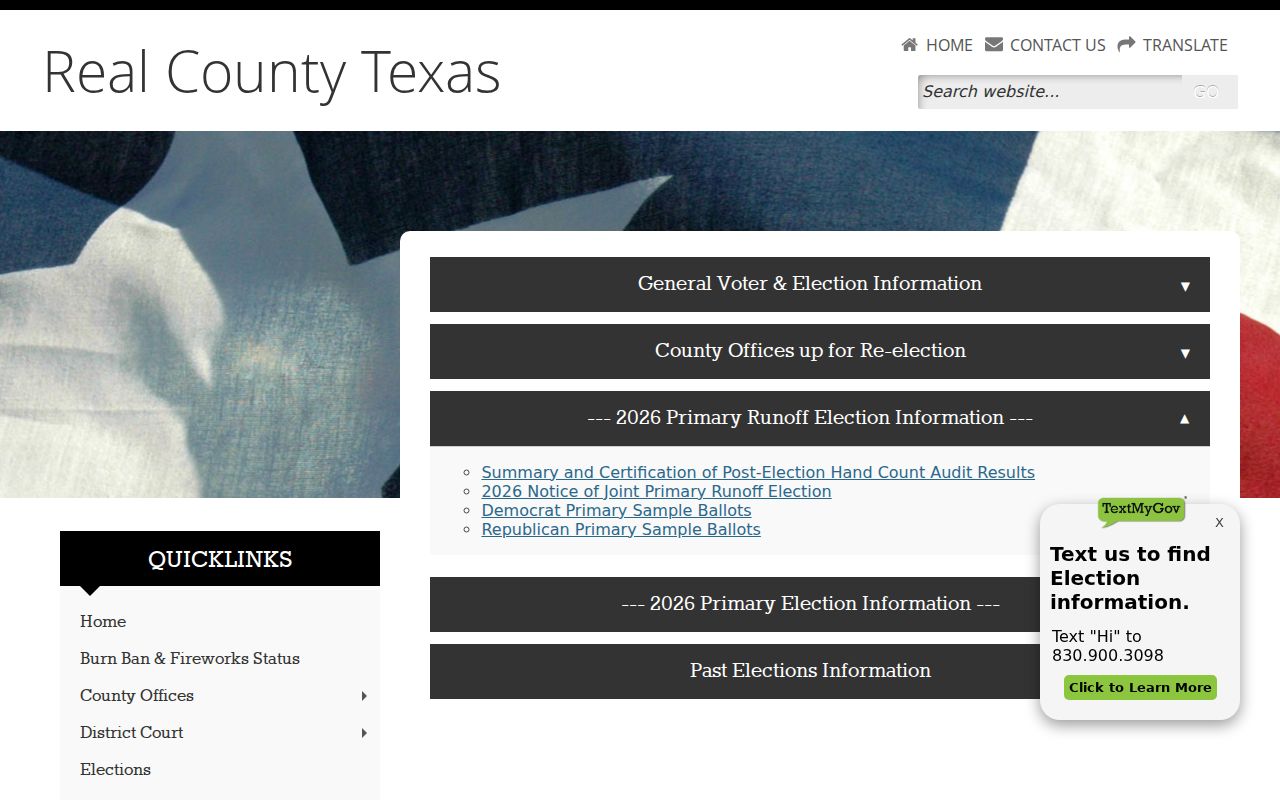
If a Real County name result is unclear, pull the case or citation number. Then ask the clerk which court controls the matter.
Restricted Warrants and Access Rules
Some Real County warrant material stays closed. Rule 12 governs access to judicial records and lets courts shield warrant records along with supporting affidavits. Texas Government Code Chapter 552 offers a similar shield for files tied to an active investigation. Juvenile justice records follow their own confidentiality rules. A public case index may not list them at all. Ask the Real County court or clerk for any separable public portions and the reason anything is withheld, since Government records fall under the Public Information Act while judicial records follow Rule 12.
Access rules:
Texas Government Code Chapter 552 covers public information and exceptions.
Texas Rule of Judicial Administration Rule 12 governs access to judicial records.
Texas Family Code Chapter 58 protects juvenile justice information.
Real County's Statewide Search Has Limits
Texas keeps no single statewide warrant database anyone can search. DPS and OmniBase track only eligible FTA and FTP matters that participating courts report. Even then, both point you back to the court that issued the warrant. Real County's OCA clerk verification names iDocket as the clerk's case-management system, and the county office pages show where district records live. A record located this way still is not an answer. Call the issuing court, and for local options start with the Real County warrant records overview.